![[HERO] Quick Tip: Don't Let Bad Wi-Fi Kill Your Event's Social Buzz](https://cdn.marblism.com/t7kJKBoiqMQ.webp)
You have the lighting set to perfection. Your backdrop is wrinkle-free. The props are organized, and your High-Angle Photo Booth is capturing the kind of editorial-grade shots that make guests look like they just walked off a Milan runway. The energy is electric. People are lining up, striking poses, and… waiting.
They are waiting for that text message or email to hit their phone so they can post to their Instagram Stories immediately. But the little loading circle just keeps spinning. The venue Wi-Fi, which the coordinator promised was “super fast,” has officially buckled under the weight of three hundred guests trying to livestream the cake cutting.
In the event industry, your reputation is only as good as the guest experience. When the “instant” part of instant sharing disappears, the buzz dies with it. If you want to run a professional operation, you need to stop relying on venue Wi-Fi and start bringing your own connection to the party.
The Venue Wi-Fi Trap
Every event professional has heard the same line: “Don’t worry, we have high-speed internet.” In reality, venue Wi-Fi is notoriously unreliable for several reasons. First, these networks are often designed for casual browsing, not for the high-volume data transmission required by a busy photo booth. When you have dozens of people trying to upload high-resolution images or GIFs simultaneously, the bandwidth vanishes.
Second, the physical environment of event spaces is a nightmare for wireless signals. Thick concrete walls, large metal structures, and even the sheer volume of human bodies in a room can degrade a Wi-Fi signal. If your booth is tucked into a corner or a basement ballroom, you are fighting an uphill battle.
Research shows that poor connectivity at events leads to a cascade of negative consequences. When guests can’t share in real-time, they stop engaging with the booth. They get frustrated, and that frustration often gets directed at the booth operator, not the venue. Even worse, if they finally do get a connection later that night, the “moment” has passed, and your organic social media amplification: the free marketing that helps you book your next gig: is gone.
Why Instant Sharing Matters for the High-Angle Look
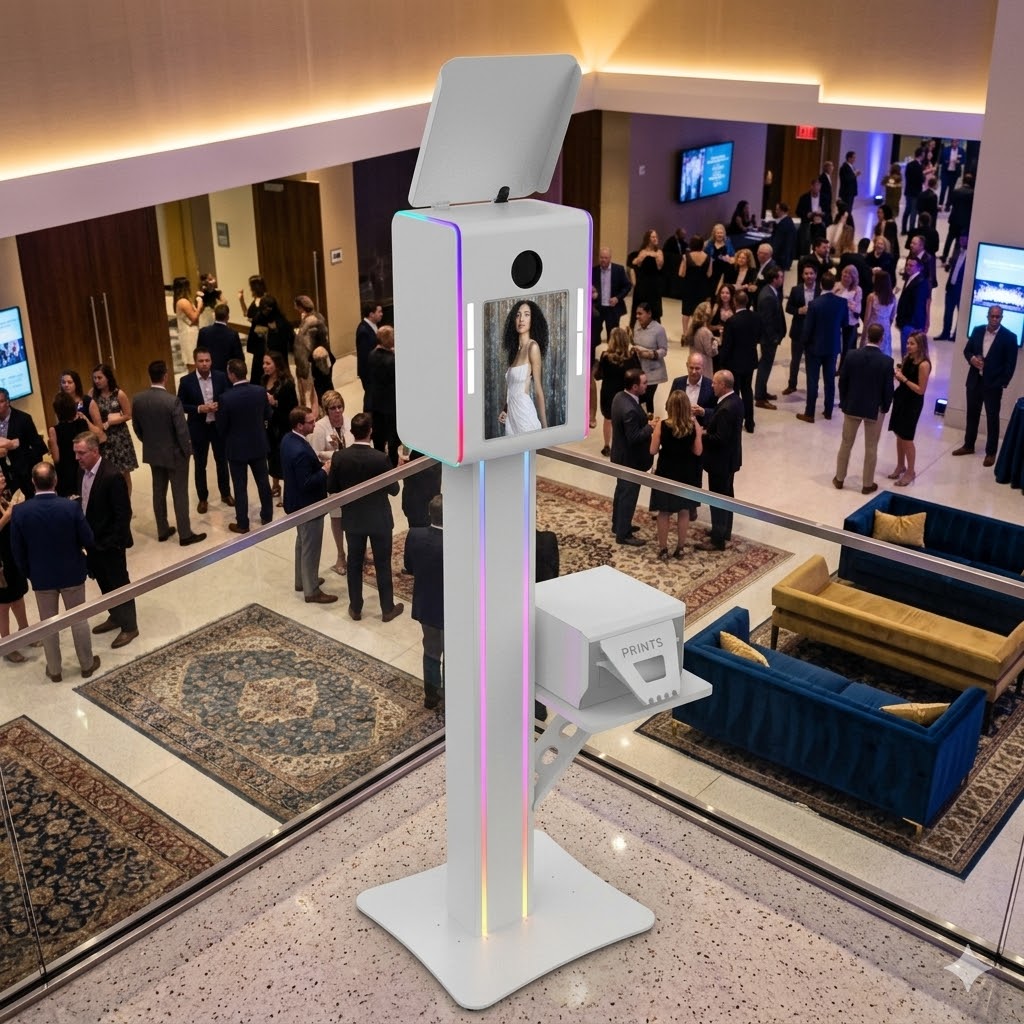
At ATA Photo Booths, we’ve seen a massive surge in demand for the High-Angle Photo Booth. This setup provides a unique, high-fashion perspective that guests absolutely love. It’s different, it’s trendy, and it’s highly “Instagrammable.”
The problem is that “Instagrammable” content has a short shelf life. The desire to share is strongest the second the photo is taken. This is the peak of the guest’s excitement. When you can deliver that photo to their phone in five seconds, you are capitalizing on that high. If it takes five hours because the photos are stuck in an upload queue, you’ve lost the social buzz.
Modern event marketing relies on real-time engagement. When guests post your photos with the event hashtag, they are acting as brand ambassadors. For corporate clients, this is often the primary KPI (Key Performance Indicator) for the event. If you can’t guarantee delivery because of bad Wi-Fi, you aren’t providing the full value of the service they paid for.
The Solution: Dedicated Mobile Hotspots
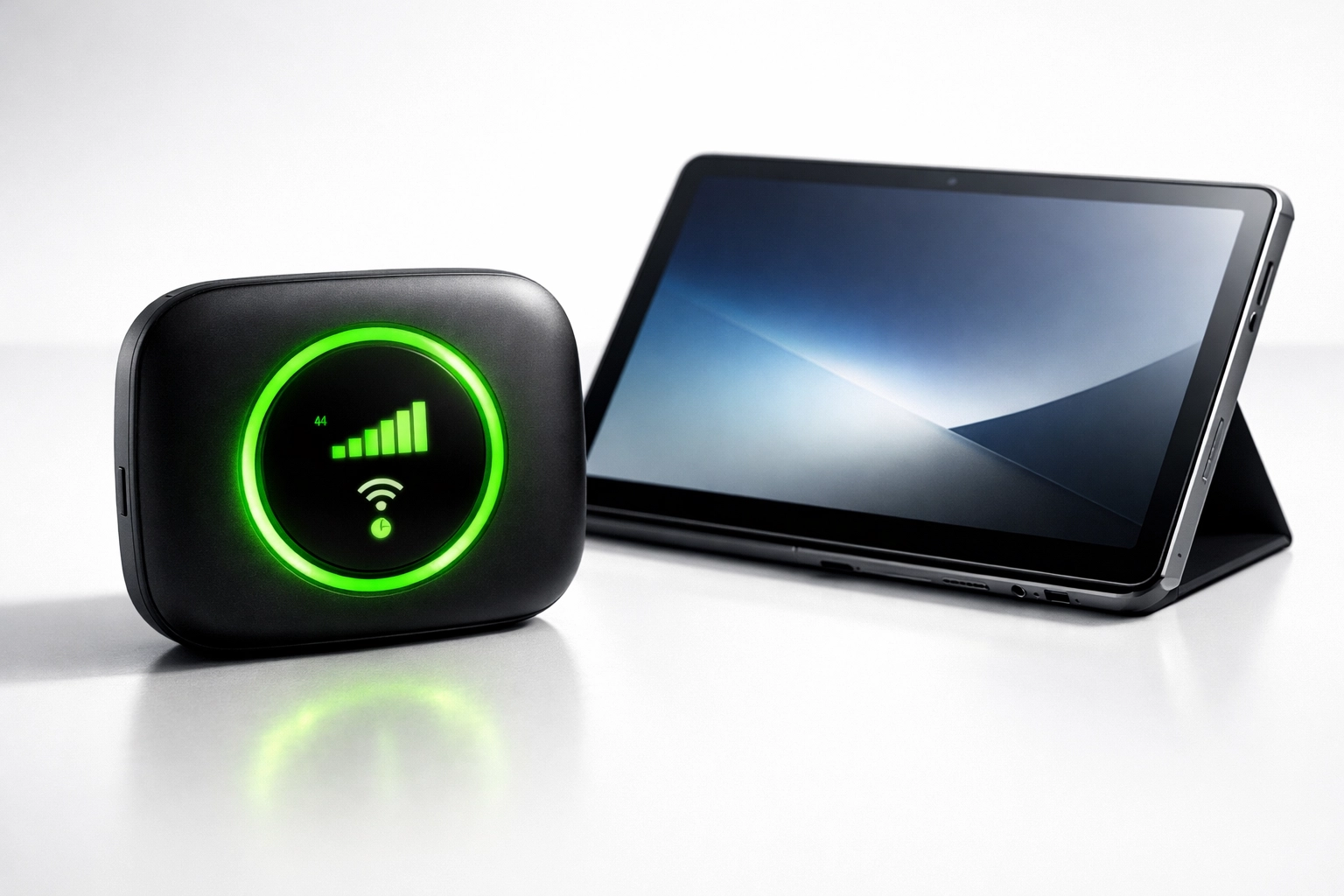
If you are serious about your business, a dedicated mobile hotspot is not an “optional” accessory; it is a core piece of your equipment kit. Relying on an iPad’s built-in cellular connection is a good start, but a dedicated hotspot often provides a more stable and powerful signal, especially if it allows for external antennae.
Choosing the Right Data Plan
Don’t settle for the cheapest data plan you can find. You need a high-quality, high-limit data plan from a provider that has the best coverage in your specific region. Many professionals actually carry two different hotspots from two different carriers (for example, Verizon and AT&T) to ensure they have coverage regardless of the venue’s location.
For an iPad-based booth, the data usage can add up quickly, especially with high-resolution images. Check out our iPad-based systems which are designed to work seamlessly with mobile data, ensuring that your workflow stays fast and your uploads stay priority.
Hardware Matters
Invest in a professional-grade hotspot rather than just using your phone’s tethering feature. Dedicated devices are designed to handle multiple connections and sustained data transfer without overheating. They often have better internal radios and the ability to connect to “cleaner” frequency bands that are less likely to be congested by the guest’s smartphones.
Building Client Trust Through Reliability
When you show up to an event and tell the client, “I don’t need your Wi-Fi, I brought my own dedicated connection,” it immediately elevates your professional standing. It shows that you have anticipated potential problems and have a fail-safe in place.
This level of preparation is what allows you to charge premium rates. Clients aren’t just paying for the photos; they are paying for the peace of mind that the activation will run flawlessly. If the venue’s internet goes down: which happens more often than people realize: your booth will be the only thing still working. That makes you the hero of the event.
Furthermore, a dedicated connection allows you to monitor your booth remotely if you have multiple units running at different locations. You can see real-time analytics, check if the printer is low on paper, and ensure that every photo is hitting the cloud as intended.
How to Handle Dead Zones
Even with the best hotspot, you will eventually encounter a “dead zone”: that one basement ballroom with lead-lined walls where no signal can penetrate. Here is how you handle it without killing the buzz:
- Queue the Uploads: Ensure your photo booth software is set to queue uploads. This means the guests can still take photos and enter their information, and the software will “save” the transfer for later.
- Communicate Early: If you see you have zero bars, tell the guests (and the client) immediately. Explain that the photos are safely stored and will be sent the moment the device finds a signal.
- The “Sync Run”: If the signal is weak, occasionally take the hotspot or the iPad to a window or an exit during a slow moment to let the queue clear.
- Physical Prints: This is where having a physical printer becomes a lifesaver. If the digital sharing is delayed, a high-quality physical print provides that instant gratification. Check out our turnkey packages that include integrated printing solutions for this exact reason.
Keeping the Energy High
A photo booth is a piece of entertainment. When the technology works seamlessly, it adds to the party’s momentum. When there are technical hiccups, it creates a “logjam” that can bring the vibe down.
Think about the flow of your event. A guest walks up, takes a series of fun photos with their friends, and within seconds, they are looking at those photos on their own device. They laugh, they tag their friends, and they show the person standing next to them. This creates a feedback loop that draws more people to the booth.
Reliable internet is the fuel for that feedback loop. Without it, the loop is broken.
Technical Checklist for Your Next Event
To ensure you never let bad Wi-Fi kill your social buzz, add these steps to your pre-event checklist:
- Test the Signal: The moment you arrive for setup, check the signal strength on your hotspot. Don’t wait until the event starts.
- Place the Hotspot High: Wireless signals travel better when the device is elevated. Avoid placing your hotspot on the floor or inside a metal case.
- Check for Interference: Keep your hotspot away from large speakers or microwave ovens, which can interfere with the signal.
- Update Software: Ensure your iPad and your booth software are updated before you leave the office. Doing an OS update over a mobile hotspot is a recipe for disaster.
- Backup Battery: A hotspot is useless if it dies halfway through the night. Keep it plugged into power or have a dedicated power bank for it.
Summary
The goal of any photo booth activation is to create a memorable experience that guests want to share. In 2026, “sharing” means digital, and “memorable” means instant. By taking control of your own internet connection, you remove one of the biggest variables in event success.
Don’t let a venue’s poor infrastructure dictate the quality of your service. Invest in a dedicated mobile hotspot, choose a robust data plan, and keep that social buzz humming all night long.
Looking for a reliable, easy-to-set-up booth that makes a statement? Check out our High-Angle and iPad-based systems and start building an event business that clients can trust. If you have questions about which setup is right for your specific needs, feel free to schedule a product demo with our team. We’re here to help you stay connected.