Yes. Use a USB hub with Power Delivery (via USB‑C) to keep your iPad powered while printing continuously.
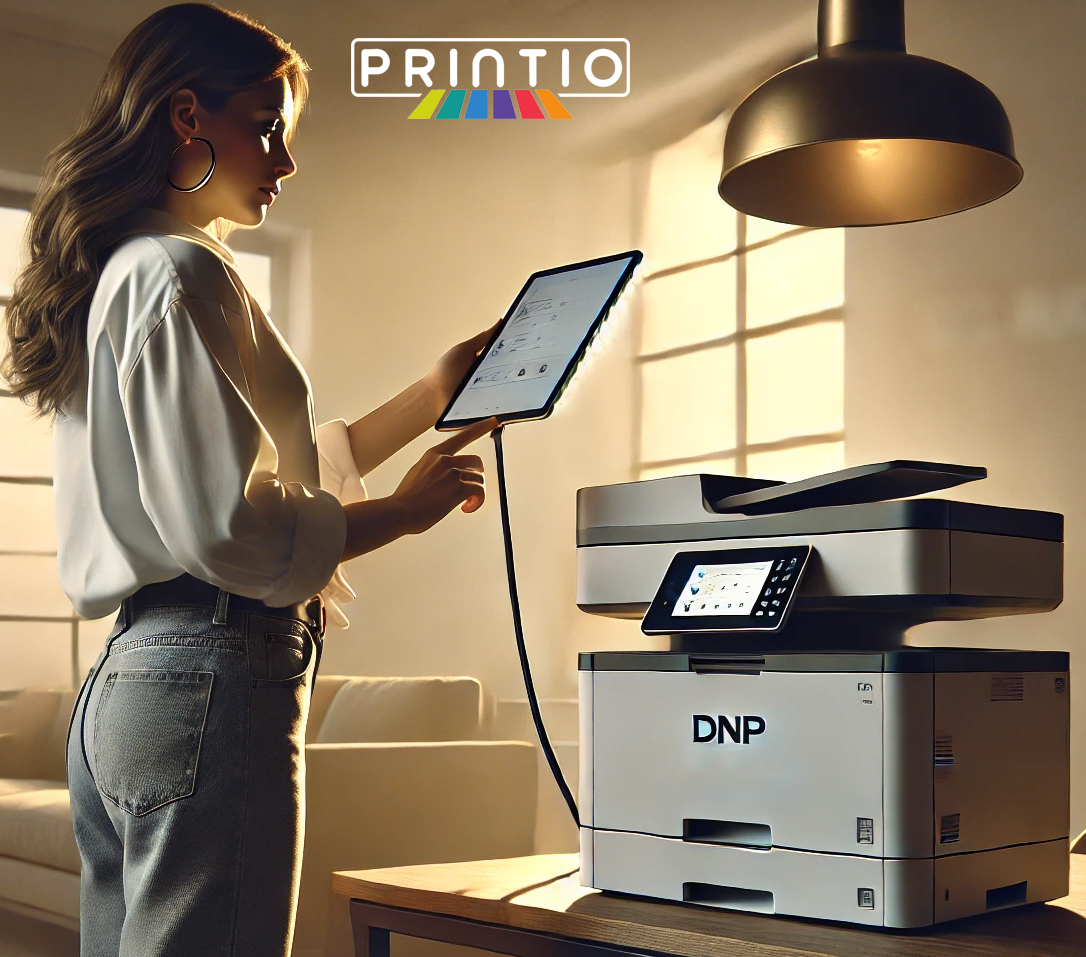
Say goodbye to unreliable wireless printing on your photobooth. Printio Airprint Module delivers
compact, mountable, and incredibly reliable direct printing to DNP® printers from multiple
devices—iPhone®, iPad®, and Mac®. No more dropped connections or sluggish queues.
With a stable Ethernet path, Printio keeps prints flowing fast and consistently.
Why creators & event pros choose Printio Direct wired Airprint Module
Lightning‑Fast Prints
Crank out gorgeous 4×6 photos in about 7–10 seconds per print with Printio airprint module DWPM—perfect for high‑demand moments.
Stable, Wired Connection
Ethernet beats flaky Wi‑Fi—no more drops or congestion. Get consistent, predictable performance all event long.
Multi‑Device Friendly
Plug in and go. Seamlessly accept print jobs from multiple iPhones®, iPads®, or Macs® at once.
Compact & mountable
Event‑ready reliability
Simple dashboard controls
What’s in the Box
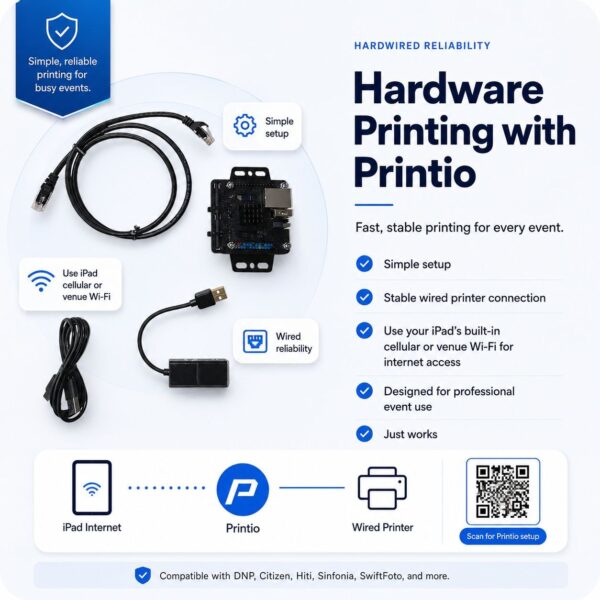
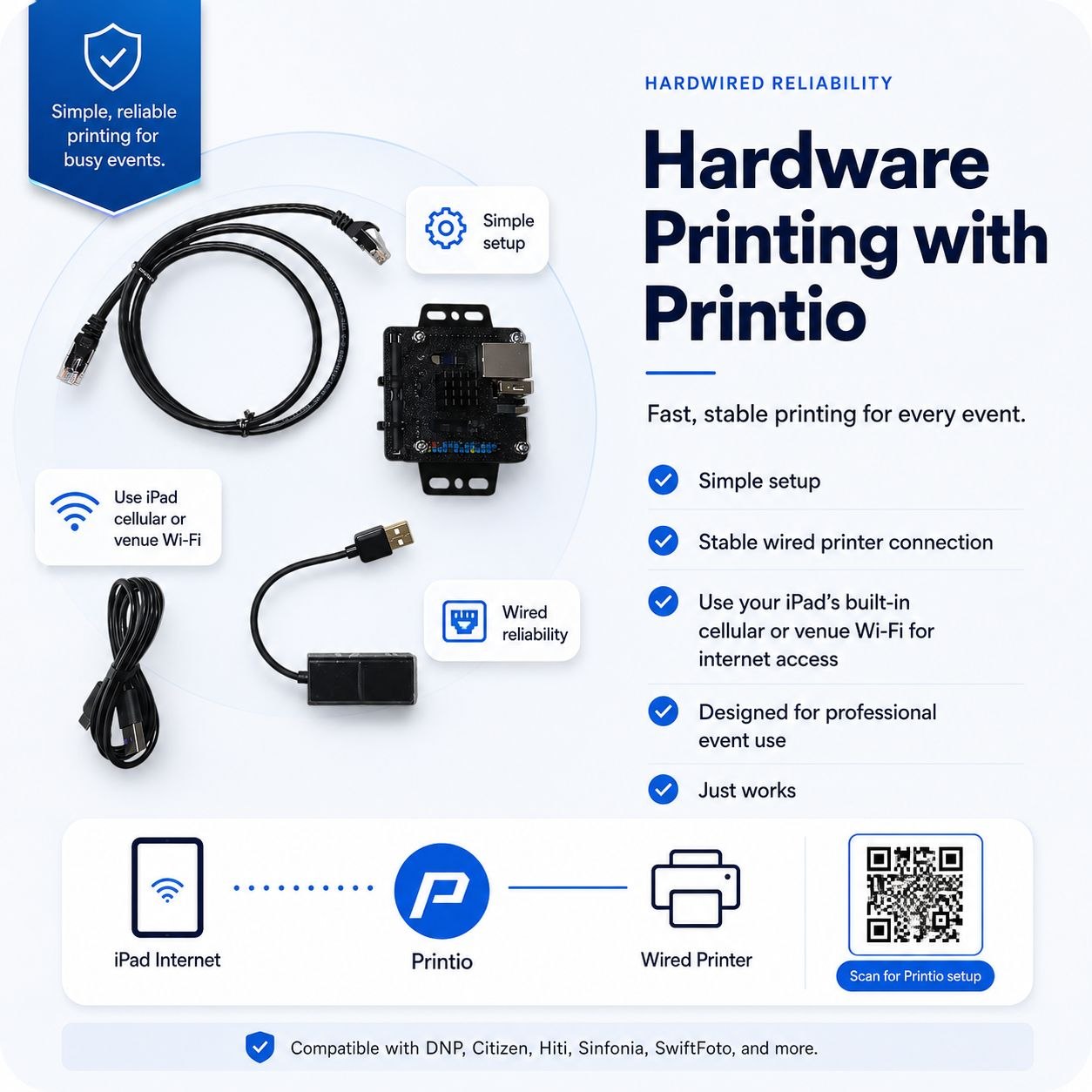
- Printio (DWPM)
- USB‑to‑Ethernet adapter
- RJ45 LAN cable
- USB‑C charging cable
iPad® and printer are not included.
What Else You Need
- USB hub with Power Delivery (minimum 3 ports)
Use a reliable, powered hub to charge your iPad while printing nonstop.
Printio Version 1.5 — What’s New
Expanded Printer Support
More compatible printers for greater flexibility at any gig.
Improved Detection & Speed
Faster response and smarter printer recognition for a smoother workflow.
Better Color Control
Updated color handling for more accurate, vibrant output.
One‑Tap Help
Direct help links and QR codes on the About page for quick troubleshooting.
LED Diagnostics (at a glance)
Green (pulsing): System is booting.
Green off, Red single pulse: Printio loaded and running.
Green off, Red triple pulse: Running and printer detected.
Use these cues to confirm status in noisy, fast‑paced environments.
How it Works (Quick Start)
- Connect Printio to power and your printer (via the included USB‑to‑Ethernet + RJ45 as directed).
- Plug your iPad/iPhone/Mac into the hub (with PD) and select your printer/paper size in your app.
- Optional: Open the Printio dashboard at
http://printio.localto adjust paper size, color, and other settings.
Tip: Keep devices wired for the fastest, most reliable print pipeline. You can still use your iPad’s normal Wi‑Fi for internet as needed.
Printer Compatibility
Confirmed models: DNP 620A, DNP RX1, DNP QW410, HiTi P525L. Other printers: TBD.
Have a different model? Reach out and we’ll confirm the latest support list.
FAQ
Can I charge my iPad while using Printio?
Does Printio require setup on a special website (like DNP WCM2)?
Printio includes its own dashboard at http://printio.local. Visit it only if you want to fine‑tune paper size, color, or other preferences—otherwise you can plug in and print.
Can I still use Wi‑Fi on my iPad while connected to Printio?
Yes. The printing path is wired for reliability, but your iPad can still connect to the internet via its normal Wi‑Fi, independent of the module.
Which printers are compatible?
Currently: DNP 620A, DNP RX1, DNP QW410, and HiTi P525L. Others are in evaluation (TBD).
iPad®, iPhone®, and Mac® are trademarks of Apple Inc. DNP® is a trademark of its respective owner.
Devices and printers shown are for demonstration only and are not included.
Sale!

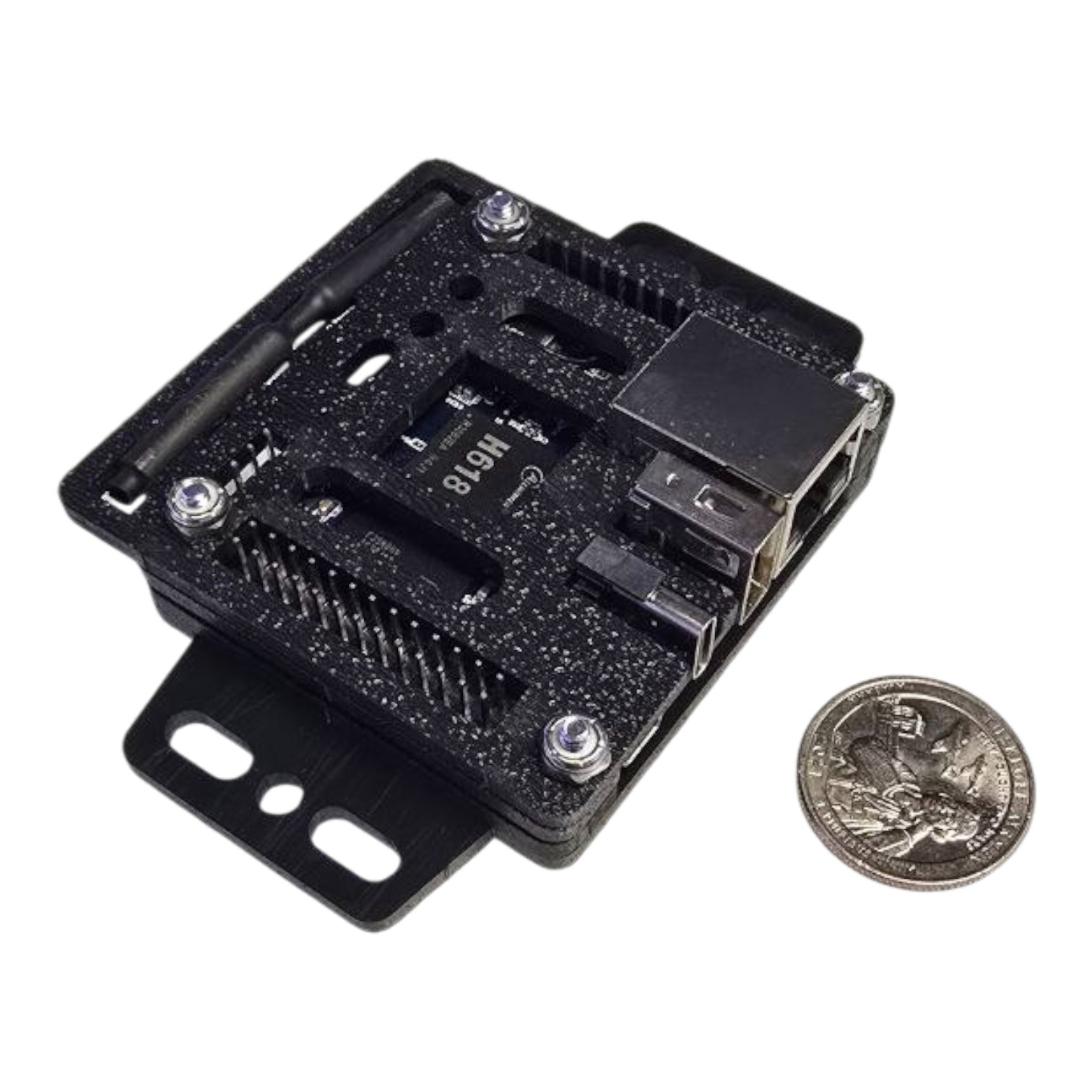
Printio (iPad Direct Wired AirPrint Module Kit)
Stop relying on flaky wireless printing at events. Printio creates a stable wired print path from iPad, iPhone, or Mac to supported pro photo printers so prints keep flowing when the room is crowded.
$159.99 – $224.99Price range: $159.99 through $224.99
Select your printer type before ordering. iPad and printer are not included.
Confirmed models listed on the page include DNP 620A, DNP RX1, DNP QW410, and HiTi P525L. Confirm latest support if you are using another printer.
Lead Time: Ships within 7-10 Days usually arrive within 2-3 Weeks
Note: iPad, iPhone, Mac, printer, and powered USB-C hub are not included. Printio is the module kit that enables the wired print workflow.
Related Products
Related products
-

Allure Printer Tripod Stand
$999.00 This product has multiple variants. The options may be chosen on the product page -
Printer Stand
$399.00 – $725.00Price range: $399.00 through $725.00 This product has multiple variants. The options may be chosen on the product page -
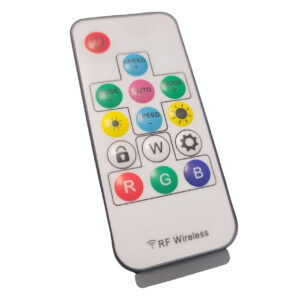
RF Led Edge wireless Remote Control
$25.00
Conversion positioning
Sell this as reliability insurance for iPad photo booth printing
This is not just a small accessory. For operators who sell printed photo booth packages, Printio helps protect the event experience by reducing the most common pain point: wireless print failure.
- Ideal for wedding, corporate, school, and church events with prints
- Useful for operators who already own compatible DNP/HiTi printers
- Strong add-on for iPad booth system packages
- Low-friction price point compared with the cost of a failed print workflow
Stable event printing
Ethernet path reduces Wi‑Fi drops and congestion.
Fast print flow
4×6 prints in about 7–10 seconds when paired correctly.
Multi-device friendly
Accept print jobs from iPad, iPhone, or Mac workflows.
Easy troubleshooting
Dashboard and LED diagnostics help confirm status.
Why this matters
Printing problems at events become support problems, refund risk, and lost confidence
Photo booth operators need a print workflow that works in crowded venues where Wi‑Fi can be unreliable. Printio’s conversion angle is simple: more dependable prints, fewer wireless surprises, and a cleaner path for iPad-based photo booths.
Wired beats crowded Wi‑Fi
Use a stable Ethernet path instead of hoping event Wi‑Fi behaves when guests, vendors, and staff are all online.
Keep print queues moving
Designed for high-demand moments when guests are waiting and every delay feels longer.
Simple operator story
Plug in, select your printer and paper size, and fine-tune only if needed through the Printio dashboard.
Printio iPad Direct Wired AirPrint Module Kit
Say goodbye to unreliable wireless printing on your photobooth. Printio Airprint Module delivers compact, mountable, and incredibly reliable direct printing to DNP® printers from multiple devices—iPhone®, iPad®, and Mac®. No more dropped connections or sluggish queues. With a stable Ethernet path, Printio keeps prints flowing fast and consistently.
What's Included
Package clarity
What’s included, what is not included, and what else you need.
The page should make the buyer understand exactly what they are buying before they click add to cart.
| Item | Status | Buyer guidance |
|---|---|---|
| Printio DWPM module | Included | The core iPad direct wired AirPrint module. |
| USB-to-Ethernet adapter | Included | Part of the wired printer path. |
| RJ45 LAN cable | Included | Used to complete the Ethernet connection as directed. |
| USB-C charging cable | Included | Supports the wired workflow and charging setup. |
| iPad / iPhone / Mac | Not included | Shown devices are for demonstration only. |
| Photo printer | Not included | Choose the Printio version for your printer type. |
| Powered USB-C hub with Power Delivery | Required separately | Minimum 3 ports recommended so the iPad can stay charged while printing. |
Specifications
Compatibility
Choose the right printer type before ordering.
The source page lists product options for DNP 620A, DNP DS40, DNP QW410, DNP RX1, and Sinfonia CS2. It also lists confirmed models as DNP 620A, DNP RX1, DNP QW410, and HiTi P525L, with other printers TBD.
DNP 620A
Listed as a selectable printer type and confirmed compatible on the page.
DNP RX1
Listed as a selectable printer type and confirmed compatible on the page.
DNP QW410
Listed as a selectable printer type and confirmed compatible on the page.
Other models
DNP DS40, Sinfonia CS2, and HiTi P525L appear in page data; confirm latest support before buying.
Shipping & Returns
You will receive the tracking number as soon as your order is dispatched. We use USPS or UPS Ground for shipping, unless you specifically request expedited shipping.
Return & Refund Details Click: Return & Refund Policy
International Shipping
- Yes, we ship worldwide. We advise our international customers to email us first and communicate with us on the product they want to order so that we can properly monitor the orders. Most international order requires more attention than our United States customers simply because of the shipping process.
- We kindly request our international customers to handle their own shipping arrangements. You have the option to use international shipping services provided by companies such as International Parcel Service (ipsparcel.com) and MyUS (www.myus.com), or select any other shipping provider of your preference.
- Please ensure that you obtain insurance coverage for the shipment, equivalent to the full purchase price.
- Please note that any customs, duties, taxes, and/or broker’s fees in your country are the sole responsibility of the customer.
- International orders are not eligible for the standard transit time of 3-7 business days. Feel free to reach out to us if you would like a more precise shipping time estimate.
Warranty
- Our photo booth platforms, photo booth shells, photo booth systems, and mirror booth products come with a 1-year manufacturer’s warranty. In the event that any part fails, please contact our support team on our contact us page and we will work with you to resolve the issue.
Setup Instructions
Need More Help?
Find step-by-step guides, troubleshooting tips, and additional resources in our Knowledge Base.
FAQ
ATA Photobooths has the answers you’re looking for
Does Printio include the iPad or printer?
No. The source page says iPad and printer are not included. Devices shown are for demonstration only.
Does Printio require DNP WCM2?
The page says Printio has its own dashboard at http://printio.local for paper size, color, and preference adjustments.
Which printers are confirmed?
The page lists DNP 620A, DNP RX1, DNP QW410, and HiTi P525L as confirmed. Other printers should be verified.
Which printers are confirmed?
Yes. Use a USB-C hub with Power Delivery to keep your iPad powered while printing continuously.
Can my iPad still use Wi‑Fi?
Yes. The print path is wired, while the iPad can still use normal Wi‑Fi for internet as needed.
What do the LEDs mean?
Green pulsing means booting. Green off with red single pulse means loaded and running. Green off with red triple pulse means running and printer detected.
Find More
You May Also Like
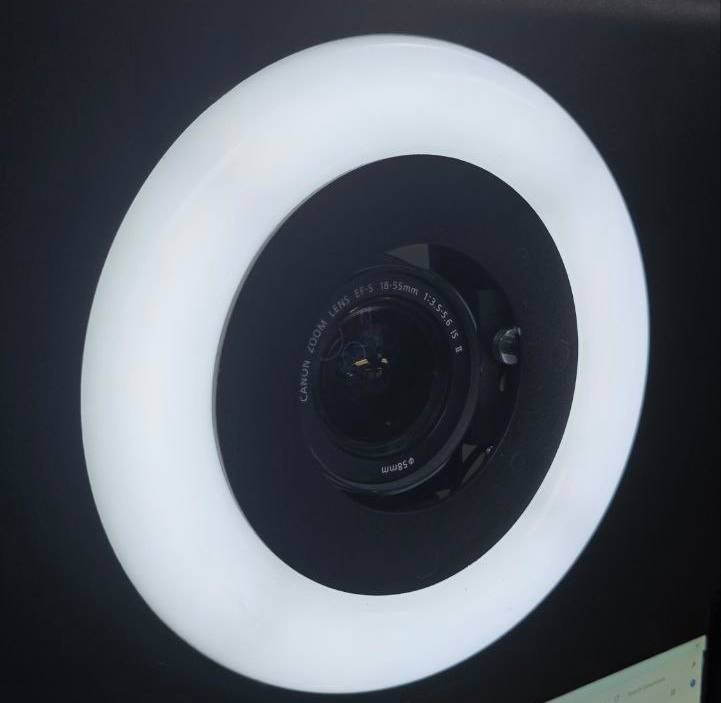
Halo Ringlight
$60.00 – $200.00Price range: $60.00 through $200.00
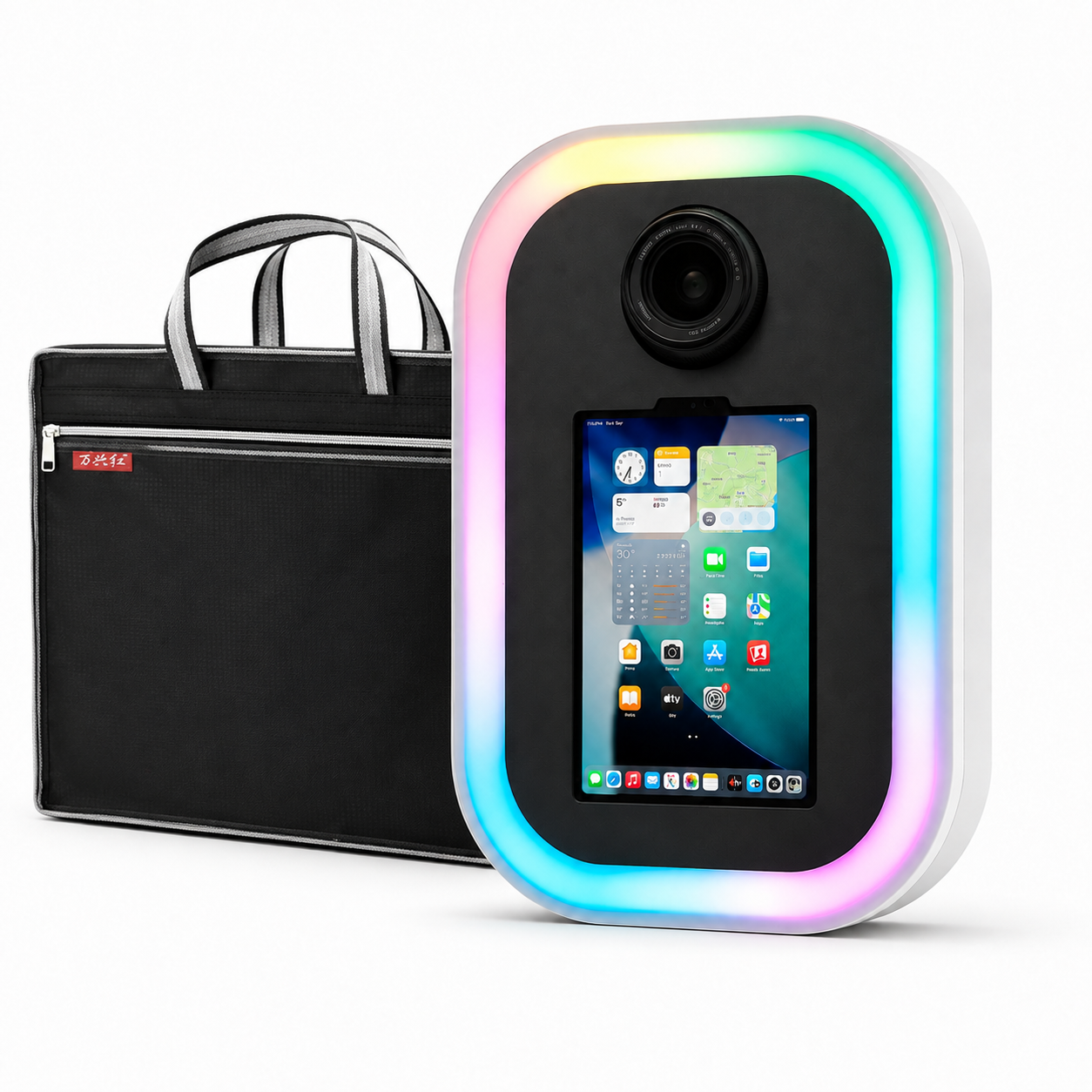
Mini Roamer Pro
$670.00
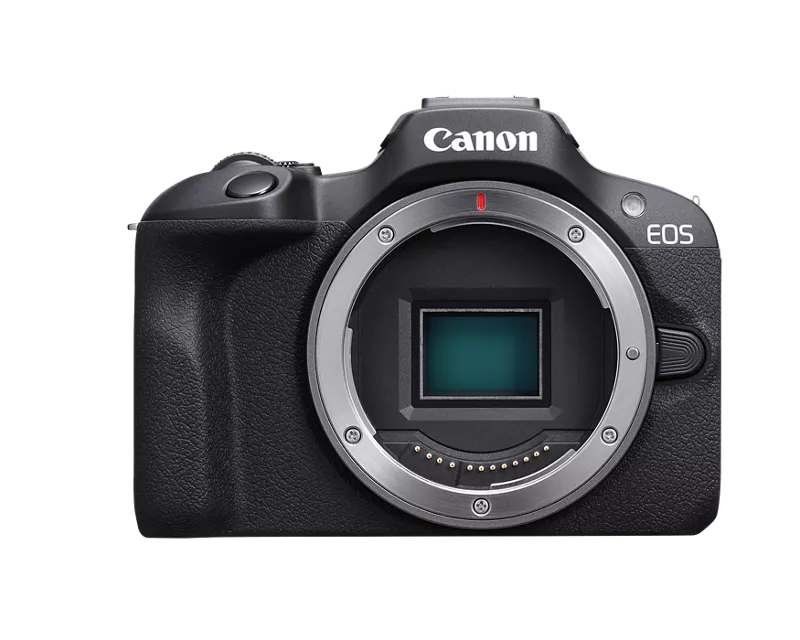
Canon EOS R100
$499.00

Mini Ring Roamer RGB Mobile Photo Booth for iPad Mini
$499.00

Apple iPad Air 13″ M3 (128GB) (Refurbished)
$950.00
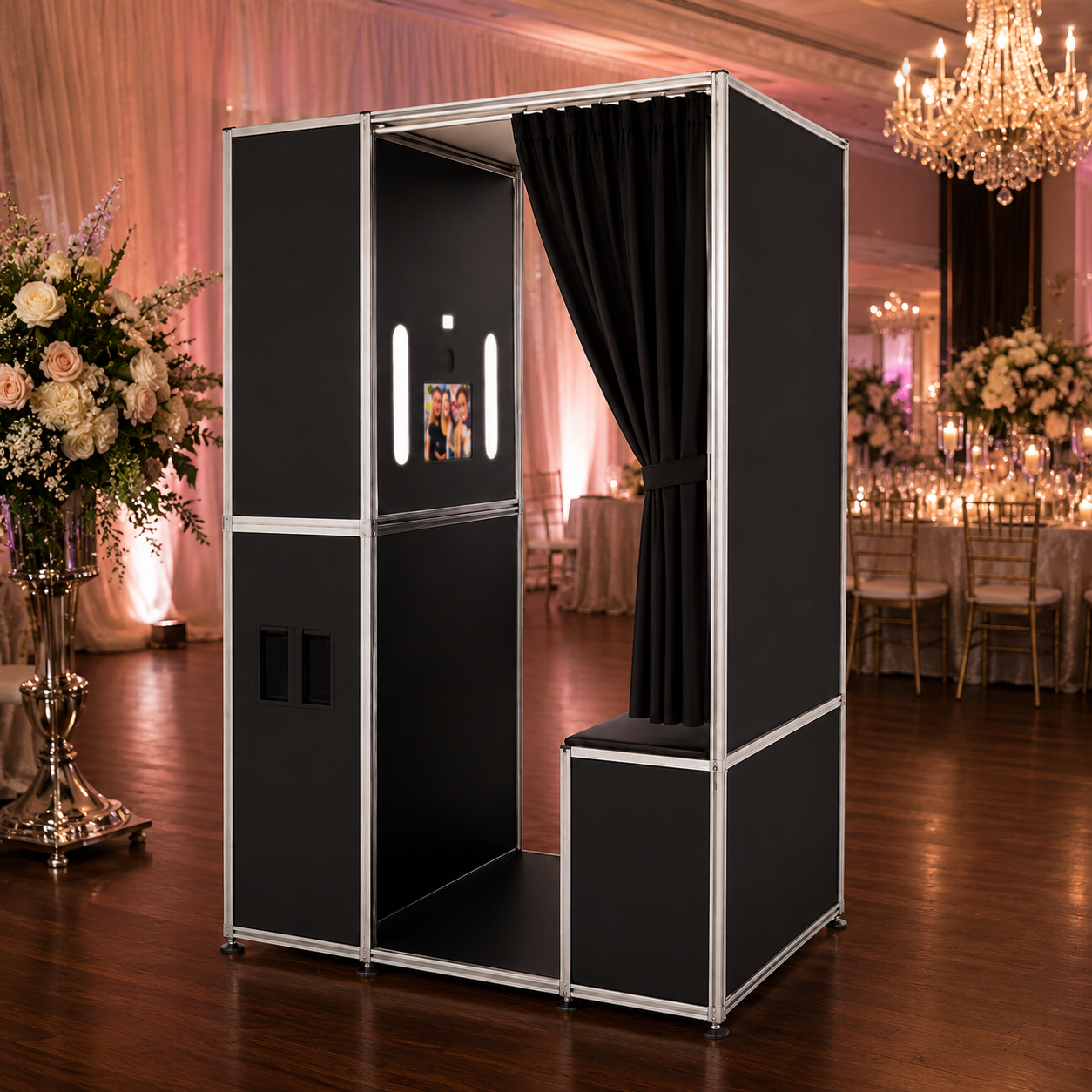
The Lounge iPad based | Vintage Enclosed Photo Booth
$9,100.00 – $10,975.00Price range: $9,100.00 through $10,975.00

Posh Pro DSLR iPad Photobooth DIY Shell (Certified Refurbished)
$4,849.00

Ring Roamer Pro DSLR iPad Photobooth Full System Package
$3,299.00 – $4,997.00Price range: $3,299.00 through $4,997.00