Skip to buying guide

Photo booth buying guide

How to Choose a Photo Booth

Compare booth types, shells and full systems, and the equipment each setup needs, then get a recommendation for your business.

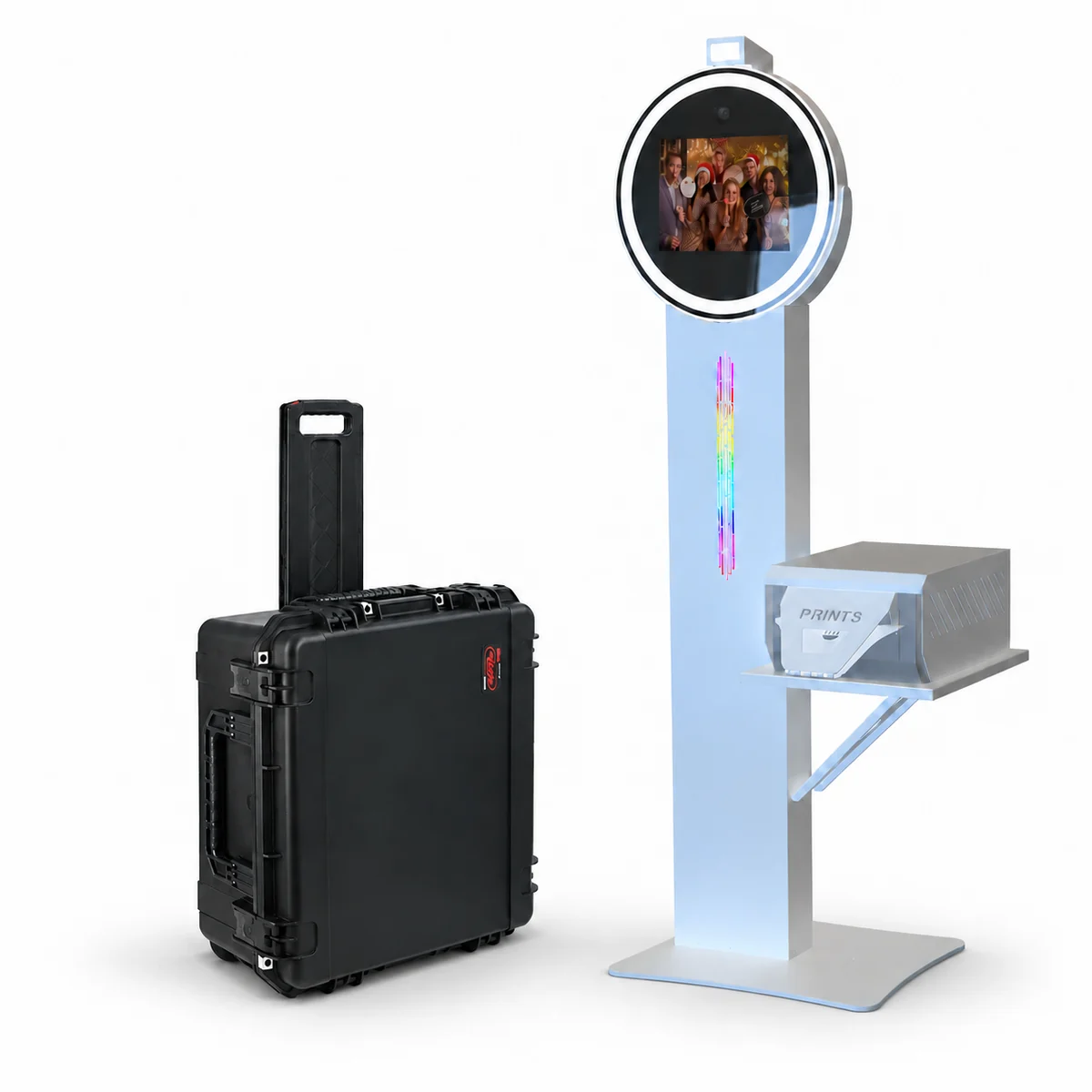
White Flare Pro photo booth with an example printer setup and rolling case.
Flare Pro shown with optional or separately supplied equipment. Review your selected configuration for exact inclusions.

Your setup, made clear. Compare capture methods, package contents and printing options.

Get Help Choosing

Buying your first photo booth or expanding your fleet? This guide walks you through the main decisions: the guest experience you want to offer, whether a DIY shell or a full system package fits, and what tablet, camera, printer and software each setup needs. Compare featured ATA models side by side, or ask our team to recommend a configuration.

Shop Photo Booths by Type

Start with the experience you want to offer, then compare the equipment needed to deliver it.

An iPad-based booth may use the iPad camera or a compatible separate camera, depending on the model. Check both the capture method and the required tablet or computer.

Moving between events? Explore Portable Photo Booths and compare packed dimensions, case options, power requirements, and how you will load and unload.

Choose a Shell or a Full System

Two ways to build your setup. Start with the equipment you already own and what you need next.

For your own compatible equipment

DIY Photo Booth Shells

A shell gives you the booth structure and the components listed for that model. It can be a practical starting point when you already own compatible equipment or want to choose your devices separately.

  • Confirm the exact tablet fit and camera mount.
  • Review lighting, power connections and accessories.
  • Budget for any devices or software you still need.

For an itemized equipment package

Full System Packages

A full system groups the equipment specified for that package. Camera, printer, software, and accessory selections can still vary. Read the included-items list alongside your chosen options.

  • Compare the complete included-equipment list.
  • Review optional camera, printer and software selections.
  • Confirm your selected total before checkout.

For example, the Allure Wooden iPad Based Full System Package lists an iPad as included, while its camera and printer are selectable options. A selector marked “No, Thanks” can change what your package contains.

Explore Featured Photo Booth Models

View all full systems

Open a model to review current configurations, included equipment, and upgrades. Displayed ranges reflect the listed product variations. Separately priced add-ons may increase your selected total.

Product images may show optional equipment. Prices update automatically from our store; follow the product link for every configuration.

Booth type
Package

6 models shown

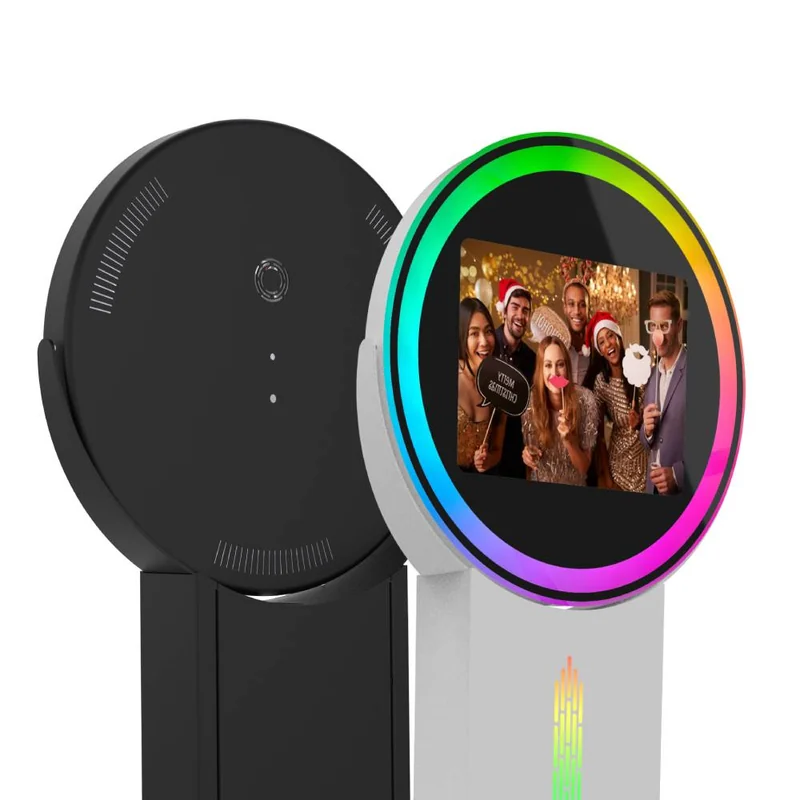
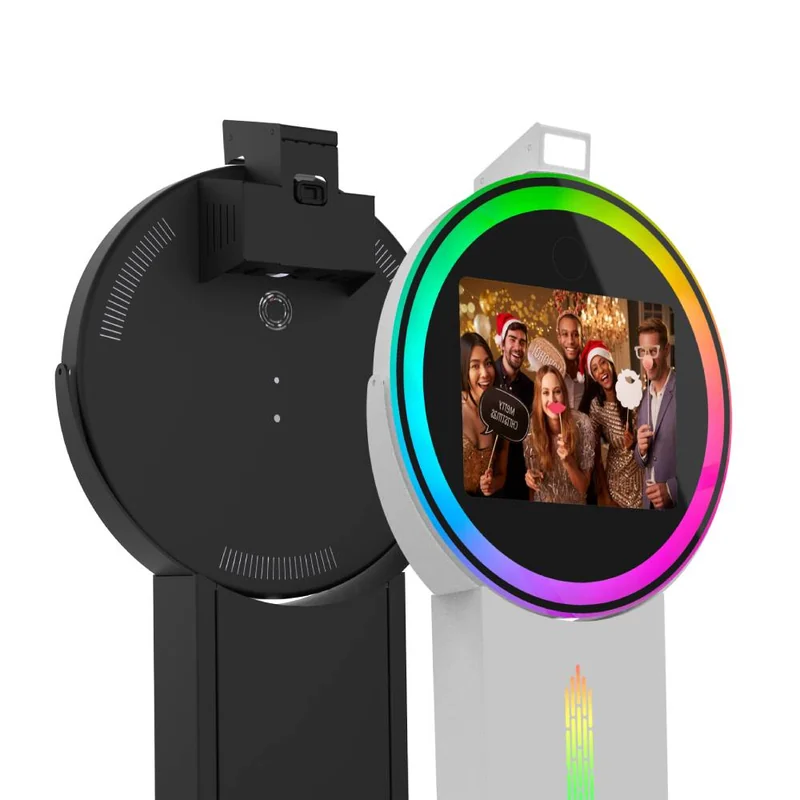
Black rear view and white front view of the Flare Basic iPad photo booth with ringlight.
DIY Shell

Flare Basic iPad Ringlight Photobooth DIY Shell

An iPad-camera setup with a ringlight and modular column.

Shell configuration range$2,204 - $3,225 USD
Capture
iPad camera
Tablet
Purchased separately
Printing
Printer separate; wired printing optional
Transport
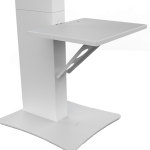
Rolling case and printer shelf optional

Front and rear views in different finishes. One booth per purchase. iPad shown for demonstration and sold separately.

View Configurations
Black rear view and white front view of the Flare Pro photo booth with camera mounting area.
DIY Shell

Flare Pro DSLR iPad Ringlight Photobooth DIY Shell

Separate-camera capture with an iPad workflow and ringlight design.

Shell configuration range$2,729 - $3,568 USD
Capture
Separate camera + iPad
Devices
iPad and camera purchased separately
Printing
Printer separate; wired printing optional
Transport
Rolling case and printer shelf optional

Front and rear views in different finishes. One booth per purchase. iPad and camera sold separately.

View Configurations
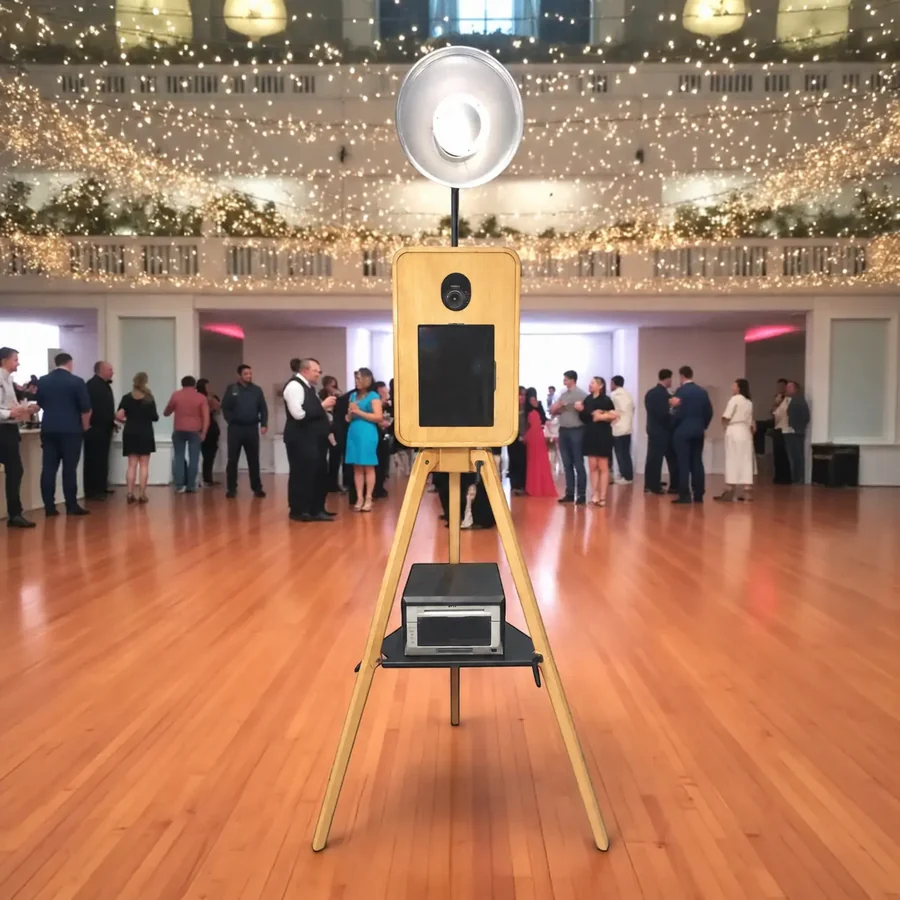
Allure wooden photo booth on a tripod in an event setting with optional printing equipment.
Full System Package

Allure Wooden iPad Based Full System Package

A wooden booth package with studio lighting and an included iPad.

System configuration range$5,295 - $7,162 USD
Tablet
iPad Air 13-inch 128GB included
Camera
Canon EOS R100 optional
Printing
Printer and media optional
Transport
ABS travel case included

Example Allure setup. Camera, printer, platform and printer accessories are included only when selected or listed in your quote.

Configure Your System
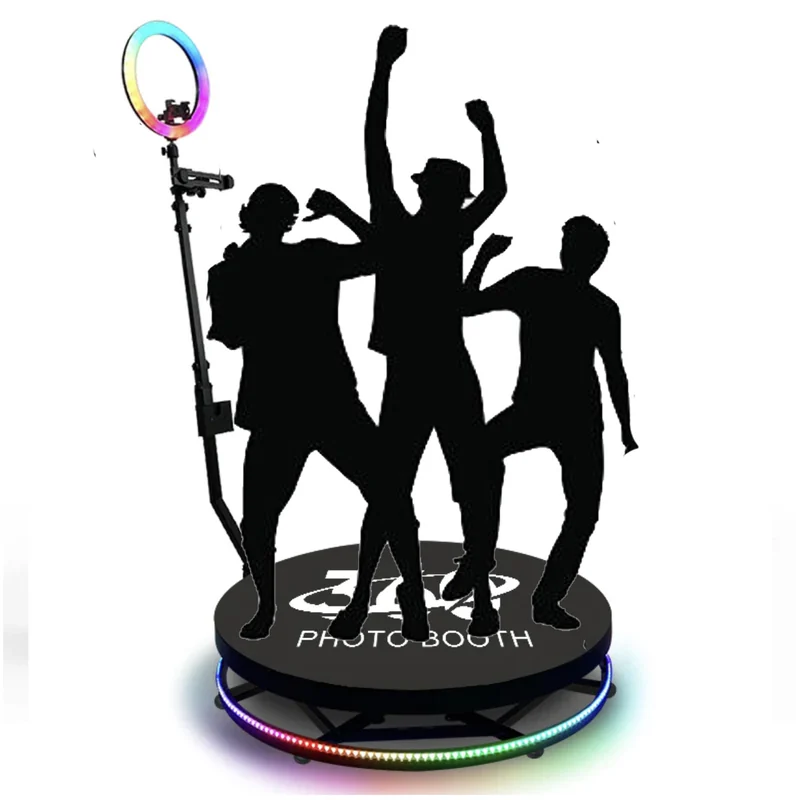
Motorized 360 photo booth platform with rotating arm, ringlight and guest silhouettes.
360 Platform

360 Photobooth Platform (27-32-39 inch Motorized)

A rotating-arm platform for a different kind of event video.

Platform configuration range$1,949 - $2,924 USD
Capture
Rotating-arm video
Devices
Mounts included; confirm recording device
Printing
Discuss still-photo needs separately
Transport
Rolling hard case included

Illustrated platform setup. Confirm the recording device and selected battery options in your quote.

View Platform Options
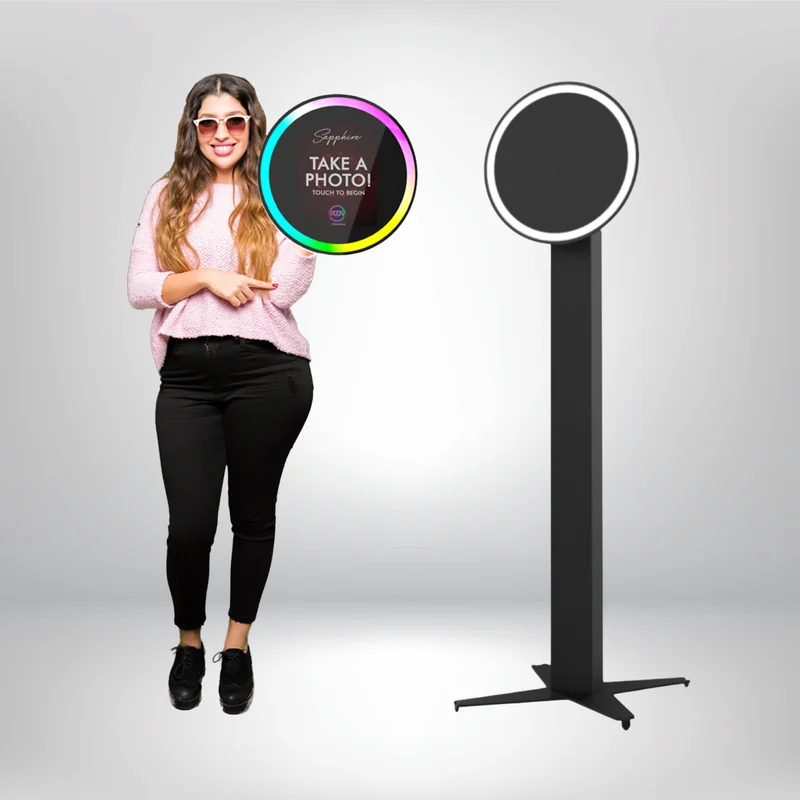
Ring Roamer Basic shown handheld and mounted on a floor stand.
DIY Shell

Ring Roamer Basic iPad Photobooth DIY Shell

A handheld format that brings the photo experience to your guests.

Shell configuration range$975 - $1,844 USD
Capture
iPad camera
Devices
Confirm exact iPad fit and inclusions
Printing
Confirm compatible app and connection
Transport
Handheld; review stand and power options

Shown handheld and on a stand. Review the selected stand, power accessories and iPad options.

View Configurations
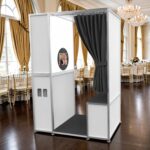
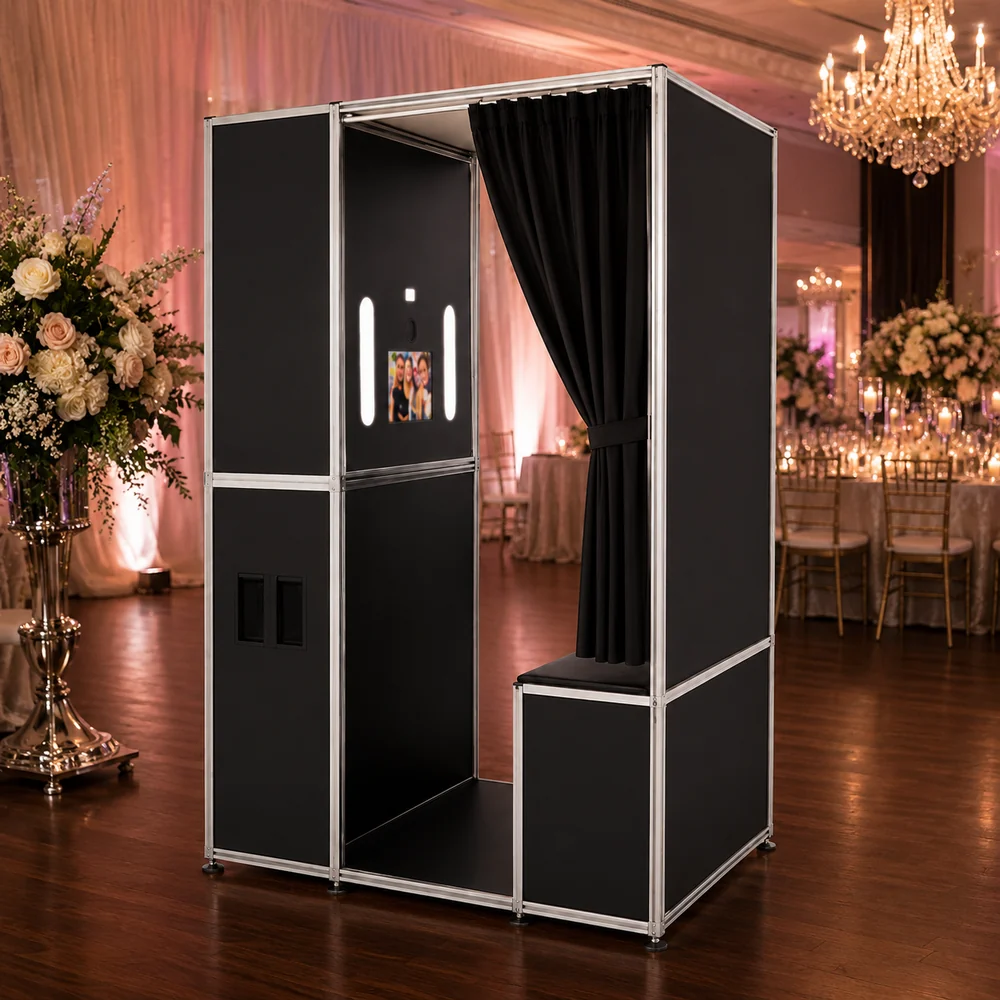
The Lounge enclosed photo booth with a curtain and bench in a ballroom setting.
Enclosed Photo Booth

The Lounge iPad based | Vintage Enclosed Photo Booth

A classic enclosed, sit-down experience for events and venues.

Configuration range$8,446 - $11,292.25 USD
Experience
Enclosed, sit-down booth
Devices
Confirm tablet and camera selections
Printing
Confirm printer and connection
Transport
Check venue space and packed dimensions

The Lounge shown in an event setting. Request an itemized quote for your tablet, camera and printer selections.

Explore The Lounge

Compare Selected Photo Booth Configurations

Build your shortlist with the details that matter. Each column describes the linked listing; other configurations may contain different equipment.

Four configurations, with equipment differences made clear.

Compare capture method, devices, printing and transport for four specific ATA configurations.
What matters to youFlare BasicDIY ShellFlare ProDIY ShellAllureFull System PackageMotorized 360360 Platform
Capture methodiPad cameraCompatible separate camera with an iPad workflowCompatible separate camera with an iPad workflowRotating-arm video capture
Tablet & cameraiPad purchased separatelyiPad and camera purchased separatelyiPad Air 13-inch 128GB included; Canon EOS R100 optionalPhone and tablet mounts listed; confirm the recording device
PrintingDirect Wired Printing option; compatible printer and app requiredDirect Wired Printing option; compatible printer and app requiredPrinter and media optional; confirm your app and print connectionVideo format; ask separately about still-photo printing
TransportModular column; rolling case optionalModular column; rolling case optionalABS travel case includedRolling hard case included
Next stepView ConfigurationsView ConfigurationsConfigure Your SystemView Platform Options

On smaller screens, swipe or scroll across the table. Select “Compare” on two or three featured cards to narrow this view.

Compare shell prices with other shells and system prices with similarly equipped systems. A lower shell price does not represent the cost of a comparable full system.

How to Choose a Photo Booth for Your Business

Your next booth should fit the experiences you want to offer, the equipment you already have, and the places you work.

Read the Photo Booth Buying Guide
Buying your first photo booth

Start with the service you want to offer: digital photos, printed keepsakes, a roaming experience, or 360 video. Set a budget for the complete setup, including devices, software, printing equipment, and transport accessories.

Begin with full system packages to compare equipment lists. Use our buying guide to work through the main decisions before you buy a photo booth.

Expanding your photo booth business

List the tablets, cameras, printers, cases, and software you already use. Choose a booth that supports that equipment or adds an experience your current fleet does not offer. Confirm compatibility before reusing devices between systems.

Choosing a booth for a venue

Plan where the booth will operate and how guests will approach it. Consider floor space, power, staff access, and printer placement for physical keepsakes. If equipment will move between rooms or venues, include storage and transport in your decision.

Send ATA your space measurements and preferred guest experience to discuss a suitable configuration.

The Lounge enclosed photo booth in a wedding ballroom.

The enclosed experience

A classic booth.
A place to make memories.

Explore The Lounge for a sit-down experience. Request an itemized configuration for your preferred tablet, camera, printer, and venue.

Explore The LoungeExample event setting. Confirm included equipment and space requirements for your configuration.

Photo Booth Buying Questions

The practical details, before you choose your setup.

Is the tablet included?

Tablet inclusion depends on the exact listing and configuration. The Flare Basic and Flare Pro DIY shell listings require a separately purchased iPad. The Allure Wooden iPad Based Full System Package lists an Apple iPad Air 13-inch 128GB as included.

Choosing an “iPad Size” on a shell listing specifies the tablet fit; it does not, by itself, add an iPad to your order. Review the included-items list and your selected options, or request an itemized quote.

Can I print photos?

Printing is available with a compatible combination of booth, software, device, printer, and connection. Some iPad listings offer Direct Wired Printing as an option. That option does not automatically include a printer or print media. Windows configurations require a printer supported by the software and its driver.

Tell us your booth model, app, and printer so we can help confirm the required connection. For 360 video setups, discuss your intended output before adding printing equipment.

What else will I need?

Before choosing a photo booth machine, check your selected configuration for:

  • A compatible tablet or computer and, where required, a separate camera.
  • Photo booth software with the features and license term you need.
  • Required power supplies, cables, adapters, and camera storage.
  • A compatible printer, media, and connection if you want physical prints.
  • Transport cases or bags, plus any optional backdrop, props, or branding.

Ask for these items to be identified as included, optional, or customer supplied in your quote. That gives you a clearer total setup cost before ordering.

Is photo booth software included?

Software offers differ between products. A trial, an event allowance, a subscription, and a perpetual license have different terms. Check the app name, included term, supported features, and any renewal cost for the package you choose.

Can I use equipment I already own?

Often, the right starting point is a DIY shell. Share your exact tablet model and generation, camera model, printer model, and software with ATA. Compatibility depends on those details, including device fit, connections, and app support.

Explore DIY Shells

Where can I get setup help?

Visit the ATA Knowledge Base for setup and troubleshooting resources, or contact Support with your model and question.

Let’s find your fit

Get Help Choosing Your Photo Booth

Not sure which photo booth fits your business? Tell us what you want to offer, your budget, and the equipment you already own.

  • Compare suitable models and configurations.
  • Review equipment you can bring to the setup.
  • Get an itemized quote with optional upgrades.
Prefer to talk through your setup?(888) 530-6661

Help Me Choose a Photo Booth

Tell us about your business, the experience you want to offer, and any equipment you already own. We’ll use those details to help you compare suitable models.

List exact models if you have them. Leave this blank if you are still exploring.

We only use these details to reply to your request.

Browse ModelsGet Help Choosing

Review your recommendation request

Your request has not been sent. Copy these details, then continue to ATA’s contact page to share them with the team.

Contact ATA

0
0
Your Cart
Your cart is emptyReturn to Shop